If you are looking for how to get local channels on Firestick in 2026 without paying for expensive cable, you have come to the right place. The era of expensive cable contracts is officially over. As we move into 2026, more households than ever are “cutting the cord” in favor of streaming devices like the Amazon Fire TV Stick. However, the biggest challenge most switchers face is: “How do I get my local news, weather, and sports without a cable box?”
Whether you want to catch the morning news or watch your favorite local sports team, you don’t need to risk your device’s security with “jailbroken” apps or illegal streams. In this guide, we will show you exactly how to get local channels on Firestick using 100% legal, official, and high-quality methods.
For more news about technology and receivers, always visit thestickpedia.com, your reliable source of information.
Why You Should Stick to Official Apps in 2026
Before we dive into the methods, it is important to understand why “official” is the way to go. In 2026, streaming security has become a priority. Unofficial APKs often contain malware, track your data, or provide low-quality streams that buffer constantly.
By using official apps from the Amazon Appstore:
-
Security: Your Amazon account and personal data remain safe.
-
Quality: You get 4K and HD streams with stable connections.
-
Legality: You won’t face any “Copyright Infringement” notices from your ISP.
-
AdSense Friendly: If you are a creator, focusing on these apps keeps your site in Google’s good books.
Best Legal Apps to Get Local Channels on Firestick in 2026
Method 1: Use Firestick’s Built-in “Live” Feature
Amazon has significantly upgraded the “Live” TV integration in its latest Fire OS updates. Many users don’t realize that their Firestick can aggregate local channels directly on the home screen.
How to use it:
-
Navigate to the Live tab on your Firestick home screen.
-
Select Guide.
-
Here, you will see a list of channels from various apps you have installed (like Pluto TV or Tubi).
-
You can “Sync” your sources to see all available local news and weather in one place.
Method 2: Top 5 Free & Legal Apps for Local News
If you want local channels without paying a dime, these apps are your best friends. They are all available directly on the Amazon Appstore.
1. NewsON
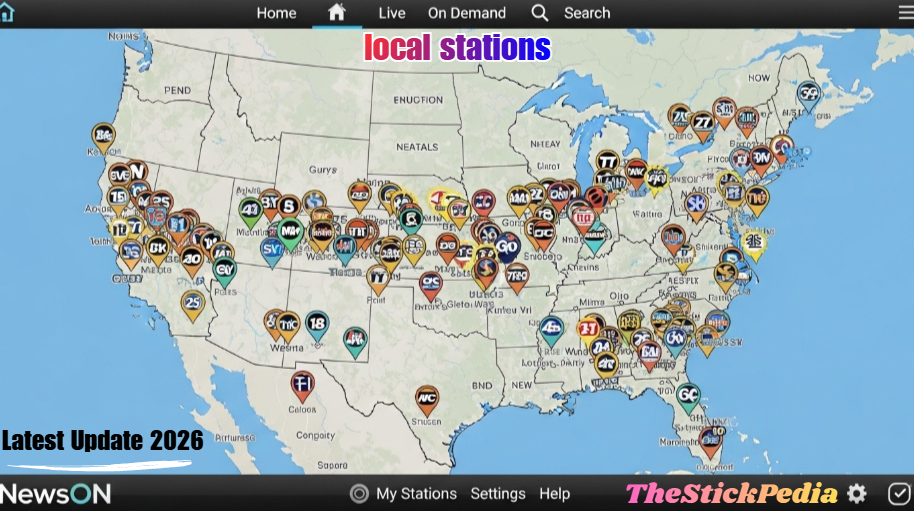
NewsON is perhaps the most famous app for local news. It provides live and on-demand local news broadcasts from over 275 local stations across the US.
-
Best for: Local news and previous broadcasts.
-
Cost: 100% Free.
2. Haystack News
Haystack is an AI-driven news app that learns what you like. By entering your zip code, it prioritizes local news, weather updates, and even local high school sports highlights.
-
Best for: A personalized “Local News” feed.
3. Local Now
Owned by The Weather Channel, Local Now is a powerhouse for localized content. It gives you a constant stream of local weather, traffic, and news “briefs” that are updated every few minutes.
-
Best for: Quick weather and traffic updates.
4. Pluto TV
Pluto TV is a “Linear TV” service. It has a dedicated “News” section that features local news feeds from major cities like New York, Los Angeles, and Chicago.
-
Best for: A traditional “Channel Surfing” experience.
5. Tubi TV
While known for movies, Tubi has a massive “Live News” section. It features live streams from FOX, ABC, and NBC local affiliates in many major markets.
Read Also: Is Jailbreaking a Firestick Illegal in 2026? (The US Truth)
For detailed guides on other models, visit Thestickpedia.com.
Method 3: Official Network Apps (ABC, NBC, CBS, FOX)
Major networks have realized that people want to stream. Most of them offer their own apps on the Firestick.
-
ABC, NBC, and FOX: These apps allow you to watch local news clips and some live segments for free. To unlock the full 24/7 live stream, you usually need a “TV Provider” login (which can even be a friend’s login or a cheap streaming service).
-
PBS & PBS Kids: These are 100% free and provide excellent local educational content and documentaries.
Method 4: Premium Live TV Streaming Services (The “Cable” Killers)
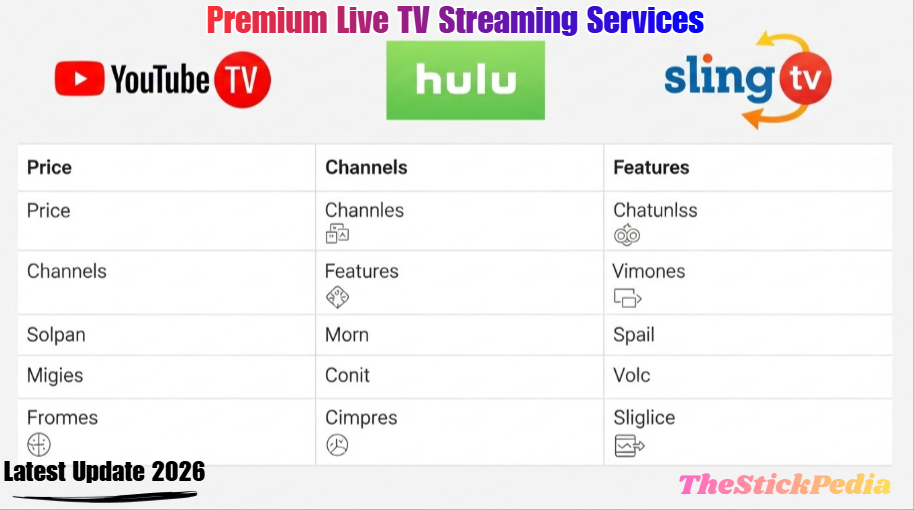
If you want the full local channel experience (including prime-time shows and live sports like the NFL or NBA), you might consider a paid streaming service. In 2026, these are far cheaper and more flexible than traditional cable.
| Service | Local Channels Included | Best Feature |
| YouTube TV | ABC, CBS, FOX, NBC, CW | Unlimited Cloud DVR |
| Hulu + Live TV | All Locals + Disney+ Bundle | Best for Movie Lovers |
| Sling TV | FOX & NBC (in select markets) | Most Affordable |
| FuboTV | Full Local Coverage | Best for Sports Fans |
Pro Tip: Most of these services offer a 7-day free trial. You can use this to watch a specific local event for free!
Method 5: The “Digital Antenna” Integration (Pro Hardware Method)
This is the most “stable” way to get local channels in 4K for free forever. You can use a Digital Antenna to pick up over-the-air (OTA) signals from local towers.
How to connect it to Firestick:
-
Buy a Digital Antenna and a device like the HDHomeRun or Fire TV Recast (if available in your region).
-
Connect the Antenna to the device.
-
The device sends the signal over your Wi-Fi to the Firestick.
-
Use the “Live” tab on your Firestick to watch your Antenna channels.
No internet required for the actual TV signal!
Step-by-Step: How to Install These Apps on Firestick
Installing legal apps is incredibly easy. You don’t need to “Downloader” or “Sideload” anything.
-
Turn on your Firestick.
-
Go to the Find (Magnifying glass) icon.
-
Type the name of the app (e.g., “NewsON”).
-
Select the app from the results.
-
Click Get or Download.
-
Once installed, open the app and enter your Zip Code to get your specific local channels.
Common Troubleshooting Tips for 2026
-
“App Not Available in My Region”: Some local apps only work in the US. If you are traveling, you may need to check your Amazon account region settings.
-
Buffering Issues: Ensure your Firestick is connected to a 5GHz Wi-Fi band. Local streams require at least 10Mbps for a smooth HD experience.
-
Wrong Local City: Most apps use your IP address to determine your location. If the city is wrong, check the app settings to manually enter your Zip Code.
Frequently Asked Questions (FAQs)
Q1: Is it legal to watch local channels on Firestick for free?
Yes, as long as you use official apps like NewsON, Tubi, or Pluto TV. These apps have broadcasting agreements with the networks.
Q2: Do I need a VPN to watch local channels?
A VPN is not required for legal apps. However, if you want to watch news from a different city, a VPN can help you change your virtual location.
Q3: Can I get local channels on Firestick without internet?
Only if you use a Digital Antenna paired with a tuner like HDHomeRun. Otherwise, all streaming apps require an internet connection.
Q4: Is there a “Jailbreak” required for local channels?
Absolutely not. “Jailbreaking” a Firestick is just a fancy term for allowing 3rd party apps. You can get all the local content you need legally through the Amazon Appstore.
Conclusion
Getting local channels on your Firestick in 2026 is easier than ever. By using legal apps like NewsON for news, Pluto TV for live browsing, or YouTube TV for a full cable replacement, you can enjoy high-quality local content without the legal or security risks of unofficial software.
Start by downloading NewsON and Local Now today—they are free, legal, and take less than two minutes to set up. Enjoy your cord-cutting journey!
Internal Link: Is Jailbreaking a Firestick Illegal in 2026?
Internal Link: Close Background Apps on FireStick to Stop Lagging
Internal Link: Install HBO Max on FireStick 2026 Guide
Do you have any questions about how to Get Local Channels on Firestick? Leave your comment below or explore more technical content at Thestickpedia.com.