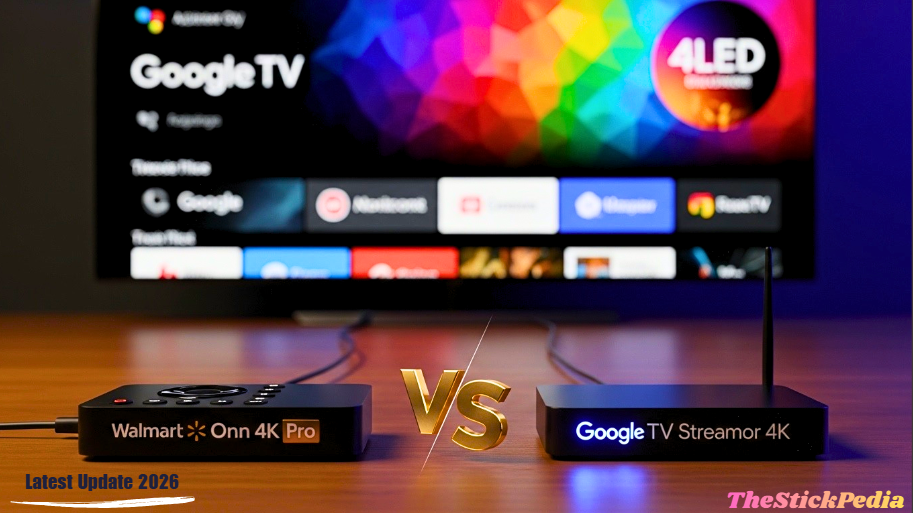
In this 2026 guide, we are doing a detailed Onn 4K Pro vs Google TV Streamer comparison to see which device is king. In 2026, the streaming landscape has undergone a seismic shift. For over a decade, Amazon’s Firestick dominated the market, but with the transition to the proprietary “Vega” OS, the enthusiast community has officially moved on. Today, the battle for the living room is fought between two titans of the Google TV ecosystem: the budget-friendly Walmart Onn 4K Pro.
One is a humble grey box that hides a powerhouse of features; the other is a sleek, futuristic device designed to be the brain of your entire smart home. In this 2000-word ultimate guide, we at The Stick Pedia will break down every chip, every port, and every hidden setting to help you decide which 4K powerhouse deserves your money in 2026.
1. Design and Aesthetics: Form vs. Function
When you first unbox these devices for an Onn 4K Pro vs Google TV Streamer test, the design philosophies couldn’t be more different.
The Onn 4K Pro: Walmart went for a “Google Home-esque” look. It’s a square box covered in grey fabric. It’s designed to sit out in the open, as it features built-in microphones for hands-free Google Assistant. It feels sturdy, but it’s definitely “utilitarian.” One key feature is the physical Privacy Switch on the front, which allows you to hardware-disable the microphone. In 2026, when privacy is a major concern, this is a massive win for Walmart.
The Google TV Streamer: Google has moved away from the “dongle” design. The new Streamer is a low-profile, slanted “pill” shape. It’s elegant, minimalist, and looks like a piece of high-end tech. It doesn’t have a fabric finish, making it easier to clean. However, it lacks a physical microphone switch, relying instead on software toggles.
2. Technical Specifications: The 2026 Benchmark
When we analyze the technical specs of the Onn 4K Pro vs Google TV Streamer, we see a battle of budget vs premium hardware.
Why 1GB RAM Matters: You might think 3GB vs 4GB isn’t a big deal. But in 2026, with apps like Kodi 22 and Tivimate 5.0, that extra gigabyte of RAM on the Google TV Streamer allows for much smoother multitasking. If you switch between a live 4K sports stream and a gaming app, the Google box keeps both apps “alive” in the background, whereas the Onn box might have to reload the app.
3. Connectivity: Wi-Fi 6 vs. Gigabit Ethernet
In terms of speed, the Onn 4K Pro vs Google TV Streamer battle is very close.
-
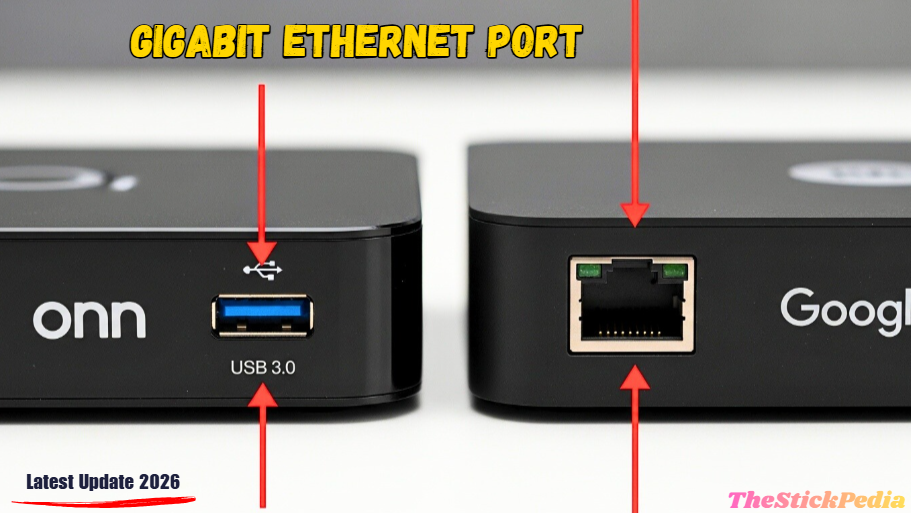
Onn 4K Pro: It surprisingly features Wi-Fi 6. If you have a modern router, this device can pull wireless speeds of 600Mbps+. However, Walmart cheaped out on the Ethernet port, which is only 100Mbps (Fast Ethernet).
-
Google TV Streamer: It uses Wi-Fi 5 (older tech), but it includes a full Gigabit Ethernet Port (1000Mbps).
Speed testing the Onn 4K Pro vs Google TV Streamer reveals that Wi-Fi 6 is a major advantage for Walmart’s box.
4. Storage Expansion: The USB 3.0 Game Changer
The Onn 4K Pro vs Google TV Streamer battle takes a huge turn here.
The Onn 4K Pro Hero Feature: Walmart included a full-size USB 3.0 Port. This is huge. In 2026, you can simply plug in a 1TB SSD or a fast USB drive, and the Onn box expands its storage instantly. You can play your offline movie collection directly using VLC or Kodi without any adapters.
The Google TV Streamer Bottleneck: Google uses a single USB-C port for both power and data. To add storage, you must buy a USB-C OTG Hub. This adds
20−30 to your cost and creates a mess of wires behind your TV. For storage lovers, the Onn 4K Pro wins by a landslide.
5. The Remote Control: Backlit vs. Programmable
The remote is your primary interface with the device.
-
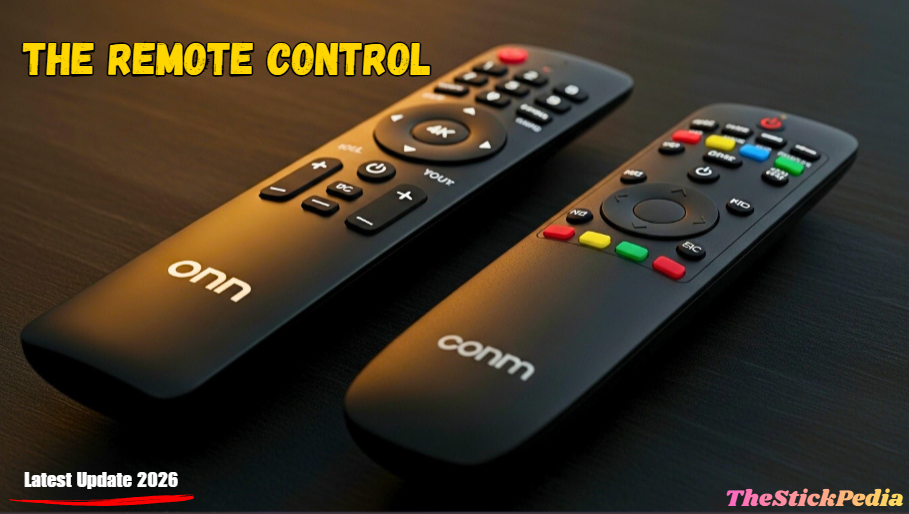
The Onn Backlit Remote: This is the “Gold Standard” for 2026. It features Motion-Activated Backlighting. Pick it up in a dark room, and the buttons glow. It also has a “Find My Remote” button on the box—press it, and the remote starts beeping.
-
The Google Custom Remote: It feels more premium in the hand but lacks backlighting. However, it features a Customizable “Star” Button. You can program this button to open your favorite app (like Tivimate or YouTube) or even switch your TV’s HDMI input.
6. Smart Home Integration: Matter & Thread Support
In 2026, your streaming box isn’t just for movies; it’s the brain of your home.
The Google Advantage: The Google TV Streamer is a full Matter Hub with a built-in Thread Border Router. This means it can talk directly to your smart lights, locks, and sensors without needing another hub. It makes your smart home faster and more reliable.
The One Limitation: While the Onn 4K Pro has Google Assistant and can control smart devices via the cloud, it cannot act as a Matter/Thread hub. If you are building a futuristic smart home, the extra $50 for the Google box is a smart investment.
7. Sideloading and Customization (The “StickPedia” Way)
Both devices run on Google TV 14/15, so sideloading is 100% supported.
How to Unlock Your Device:
-
Go to Settings > System > About.
-
Click Android TV OS 7 times.
-
Install “Downloader by AFTVnews.”
-
Enter [StickPedia Codes – Link to your Codes Post] to access the best apps.
In our Onn 4K Pro vs Google TV Streamer testing, Tivimate 5.0 felt “instant” on the Google box, while the Onn had a tiny 0.5s delay.
8. Audio and Video: Dolby Vision, Atmos, and AV1
Both devices are fully licensed for Netflix, Prime Video, and Disney+ in full 4K.
-
Dolby Vision/Atmos: Both support these standards.
-
AV1 Decoding: Both chips feature hardware AV1 decoding, which is essential in 2026 as YouTube and Netflix have moved almost entirely to this more efficient codec.
-
The “Google Secret Sauce”: Google TV Streamer features AI-Powered Upscaling. If you watch a 720p live TV stream, the Google chip uses machine learning to fill in the pixels, making it look almost like 4K. The Onn box uses standard upscaling, which looks good but not “Google good.”
9. Common Problems and How to Fix Them
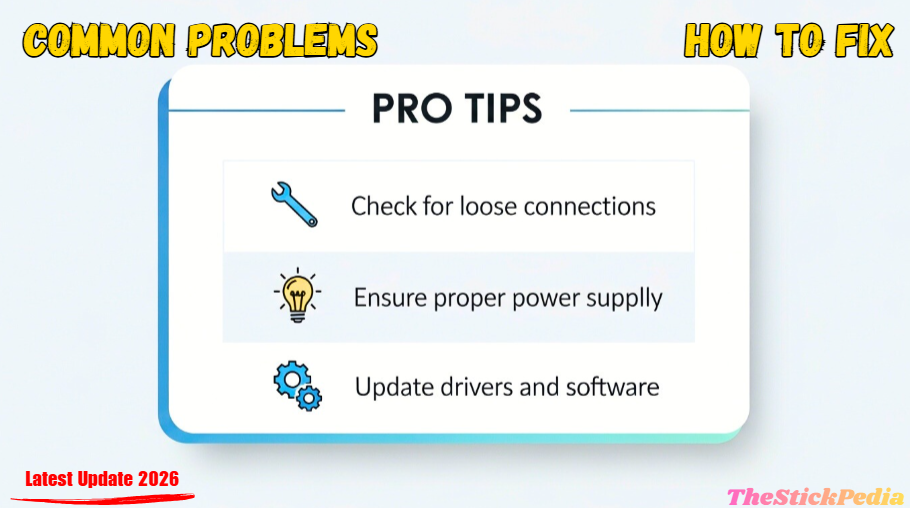
No device is perfect. Here are the 2026 “Quick Fixes” for both:
-
Onn 4K Pro Remote Pairing Issue: If your remote stops glowing or responding, hold the ‘Back’ and ‘Home’ buttons for 10 seconds.
-
Google TV Streamer “Storage Full” Bug: Even with 32GB, Google TV caches a lot of data. Go to Settings > Apps > See all apps and clear the cache of YouTube and Google Play Services once a month.
-
Buffering on Ethernet (Onn): If you have a Gigabit connection but the Onn box is slow, it’s because of the 100Mbps port. Switch to Wi-Fi 6 for better speeds.
10. Price Comparison: Is it Worth the Double Price?
-
Walmart Onn 4K Pro: $50. Official Specs on Walmart
-
Google TV Streamer: $100. Google Store
The value equation is simple: For $50, the Onn 4K Pro gives you 90% of the performance.
11. The Final Verdict: Which One Wins in 2026?
-
Choose Onn 4K Pro if: You want a backlit remote and easy USB storage.
-
Choose Google TV Streamer if: You need Gigabit speed and 4GB RAM for heavy gaming.
Frequently Asked Questions
Final Thoughts from The Stick Pedia
Our final thoughts on the Onn 4K Pro vs Google TV Streamer comparison are that whether you choose the budget king from Walmart or the premium hub from Google, you are getting a top-tier experience. Stay tuned to The Stick Pedia for more tutorials, codes, and hardware deep-dives!
Legal Disclaimer:
Content on TheStickPedia.com is for educational purposes only. We do not host, promote, or encourage illegal streaming or piracy. Users are solely responsible for the apps they install. We are an independent site not affiliated with Google, Amazon, or Walmart. Always use a VPN for privacy.