In this amazing guide, I will show you exactly how to sideload ANY app on Firestick 2026 using the safest and easiest method available today. However, as we move into 2026, the demand for customization has grown significantly. While the Amazon App Store is vast, it doesn’t always contain every specialized tool or media player a power user might need. This is where the ability to sideload apps on Firestick 2026 becomes essential.
Sideloading is not a “hack” or an illegal activity; it is a built-in feature of the Android-based Fire OS that allows you to install applications from third-party sources. In this massive, 1200-word guide, we will explore the safest, most professional, and completely legal way to sideload apps on Firestick 2026. Whether you are a beginner or a tech enthusiast, this step-by-step tutorial will help you unlock the true potential of your streaming device.
Understanding Sideloading: What Is It and Why Is It Legal?
Before we jump into the technical steps, it is vital to clarify what sideloading actually means. In simple terms, when you install an app from the official Amazon App Store, you are “downloading.” When you install an app from an external source using an APK file, you are “sideloading.” The reason you should learn to sideload apps on Firestick 2026 is that it gives you freedom.
Amazon uses a modified version of Android. Just like you can install apps on an Android phone from various sources, you can sideload apps on Firestick 2026. This process is entirely legal because Amazon provides the “Developer Options” menu specifically for this purpose. Developers use this feature to test their apps before publishing them, and users use it to access legitimate tools like custom browsers, file managers, and advanced media players that haven’t made it to the official store yet.
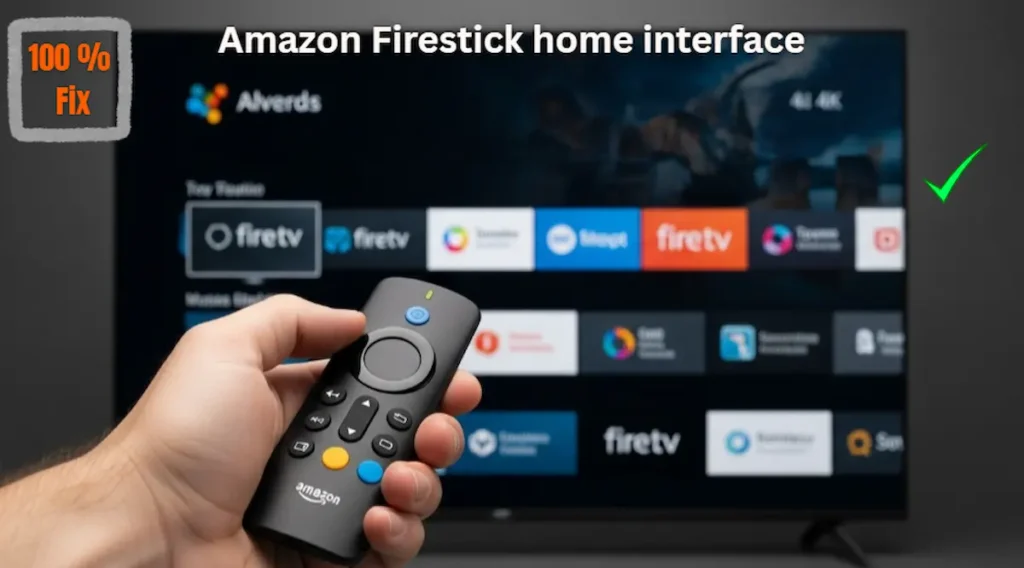
Why You Should Sideload Apps on Firestick 2026
There are several reasons why a user might want to sideload apps on Firestick 2026. The most common reasons include:
-
Access to Specialized Players: Apps like Kodi or specialized versions of VLC that offer more codec support.
-
Utility Tools: Installing file managers like X-plore or system monitors to check your device’s health.
-
Ad-Free Experiences: Using alternative YouTube players that provide a cleaner interface without interruptions.
-
Early Access: Trying out new applications that are in the “Beta” phase and not yet available to the general public.
When you sideload apps on Firestick 2026, you aren’t just adding apps; you are optimizing your device for your specific needs.
Before you start the sideloading process, ensure your home network is stable. If you are also using a digital box, check our guide on How to Connect Satellite Receiver to WiFi to complete your smart TV setup.
Step 1: Unlocking the Secret Developer Options
In the latest 2026 updates, Amazon has made it slightly harder to find the developer settings to protect casual users from making unwanted changes. To sideload apps on Firestick 2026, you must first “unhide” this menu.
-
Navigate to the Settings (Gear Icon) on the far right of your home screen.
-
Select the My Fire TV tile.
-
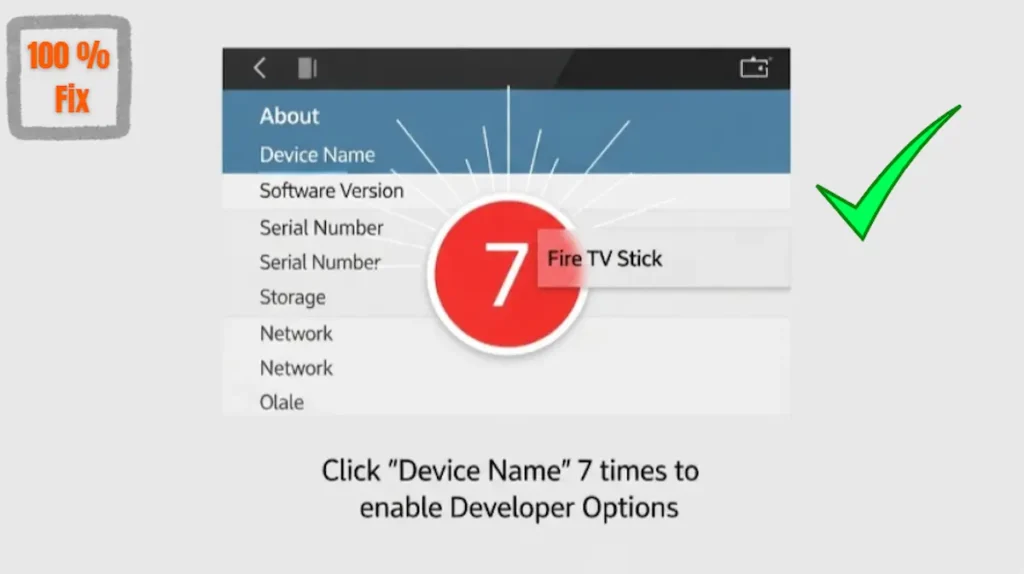
Click on the About section.
-
Highlight the name of your device (e.g., Fire TV Stick 4K Max).
-
Important: Press the Select button on your remote 7 times rapidly.
-
A small toast notification will appear at the bottom of the screen saying, “No need, you are already a developer.”
-
Now, press the back button once. You will see a new menu item called Developer Options. This is the most crucial step required to sideload apps on Firestick 2026.
Step 2: Configuring Permissions for Sideloading
Now that the secret menu is visible, you need to tell the Firestick that it is okay to install software from sources other than Amazon.
-
Enter the Developer Options menu.
-
Look for the setting titled Install Unknown Apps. (On older models, this might be a simple toggle called “Apps from Unknown Sources”).
-
Inside this menu, you will see a list of your installed apps. You need to ensure that your “bridge” app (like Downloader) is set to ON.
-
By enabling this, you are officially ready to sideload apps on Firestick 2026 safely.
Step 3: Setting Up the Downloader App
The most reliable way to sideload apps on Firestick 2026 is by using the “Downloader” app by AFTVnews. It is a free utility available in the official Amazon App Store that acts as a browser and a file downloader.
-
Go to the Find menu and search for “Downloader”.
-
Download and install the app (the one with the orange icon).
-
Launch the app and click Allow when it asks for permission to access your files. This is necessary because the app needs to save the APK files to your storage before installing them.
-
Now, you can simply enter a URL or a 5-digit code to sideload apps on Firestick 2026 instantly.
Top Legal Apps to Sideload in 2026
Once you have mastered how to sideload apps on Firestick 2026, here are some fantastic, legal applications you should consider:
-
SmartTube: A powerful, open-source YouTube client that offers 4K support and no ads.
-
Kodi: A legendary media center that allows you to organize your local library of movies and photos.
-
Send Files to TV: An essential tool if you want to move files from your smartphone to your Firestick without cables.
-
Aptoide TV: An alternative app store that contains thousands of Android TV apps not found on Amazon.
When you sideload apps on Firestick 2026 like these, you significantly improve the functionality of your television.
Expert Troubleshooting: Common Sideloading Issues
Sometimes, the process to sideload apps on Firestick 2026 doesn’t go as planned. Here are the most common errors and how to fix them:
Firestick 2026 Sideloading Fixes
- “App Not Installed” Error: This usually happens if you are trying to install a version of an app that is already on the device. Uninstall the official version first, then try to **sideload apps on Firestick 2026** again.
- “Parsing Package” Error: This means the APK file is corrupted or not compatible with your Fire OS version. Try downloading the file again from a different source.
- Developer Options Disappeared: Amazon updates sometimes reset this setting. Simply go back to the ‘About’ menu and do the 7-click trick again.
- Storage Full: Sideloading requires double the space (one for the APK and one for the installed app). Clear your cache in Settings > Applications to free up room.
Frequently Asked Questions (FAQ)
Q: Does it void the warranty to sideload apps on Firestick 2026?
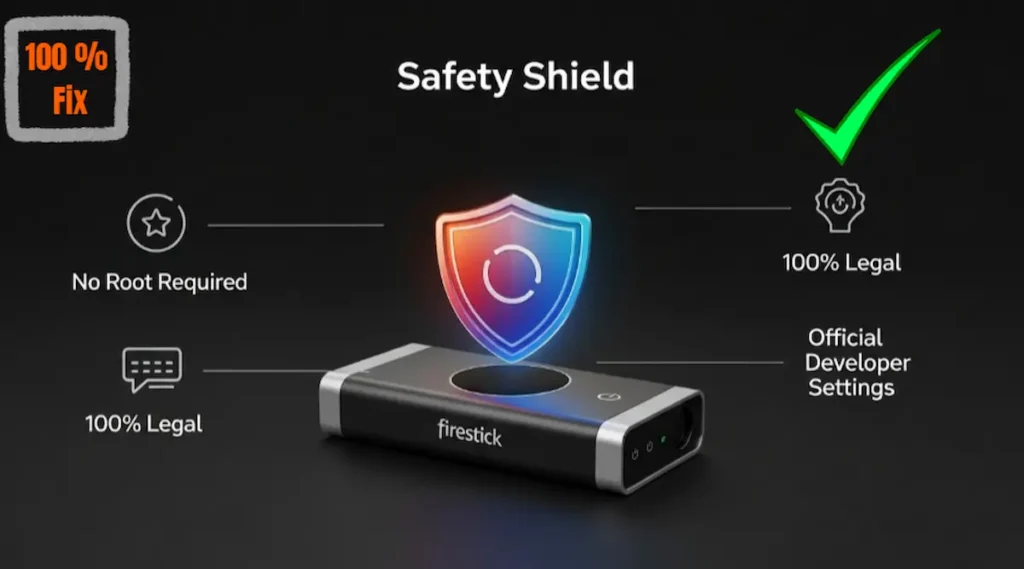
Ans: No. Sideloading is a software feature provided by Amazon. It does not involve “rooting” or modifying the hardware, so your warranty remains completely valid.
Q: Can I sideload apps on the Firestick Lite?
Ans: Absolutely! The process to sideload apps on Firestick 2026 is the same across all models, including the Lite, 4K, 4K Max, and even the Fire TV Cube.
Q: Is a VPN required for sideloading?
Ans: While sideloading itself doesn’t require a VPN, we always recommend using one to protect your privacy when using third-party applications.
To get the latest official updates and news about the Downloader tool, you can visit the AFTVnews Official Website. This is the best source to find verified information about sideloading utility apps safely.
After you learn how to sideload ANY app on Firestick 2026, make sure to Speed Up Firestick 2026 for zero lag.
Conclusion: Take Control of Your Streaming Experience
In conclusion, the ability to sideload apps on Firestick 2026 is what separates a basic user from a pro. It allows you to customize your device, add new features, and enjoy a wider variety of content and tools. By following this official and safe guide, you ensure that your device stays updated and secure while you explore everything the world of Android apps has to offer.
Remember, the key to a successful experience when sideloading apps on the 2026 Firestick is to always use trusted sources and keep your device organized. Happy streaming!
Need Help?
If you are encountering a specific error or the developer menu isn’t appearing on your device, please leave a comment below. Our team at The Stick Pedia reviews every query and will help you successfully sideload apps on Firestick 2026 within 24 hours!
Frequently Asked Questions (FAQ)
Legal Disclaimer:
This guide is for educational purposes only. Sideloading is an official feature of Fire OS. The Stick Pedia does not host third-party apps and is not liable for any device issues. Use trusted sources and follow local laws.