Hi everyone! Must read this article, it is most useful and helpful for everyone. For over a decade, the Amazon Firestick was the undisputed king of the streaming world. It was cheap, powerful, and most importantly, it allowed users to “sideload” their favorite third-party apps like Cinema HD and Stremio.
However, as we move into 2026, the landscape has changed drastically. Amazon has officially begun its transition to Vega OS, a move that has sent shockwaves through the cord-cutting community. On the other side of the fence, Walmart’s Onn 4K Pro has emerged as the new champion for those who value freedom and performance.
If you are wondering whether to stick with your Firestick or make the jump to the Walmart Onn box, this 2026 deep-dive comparison is for you.
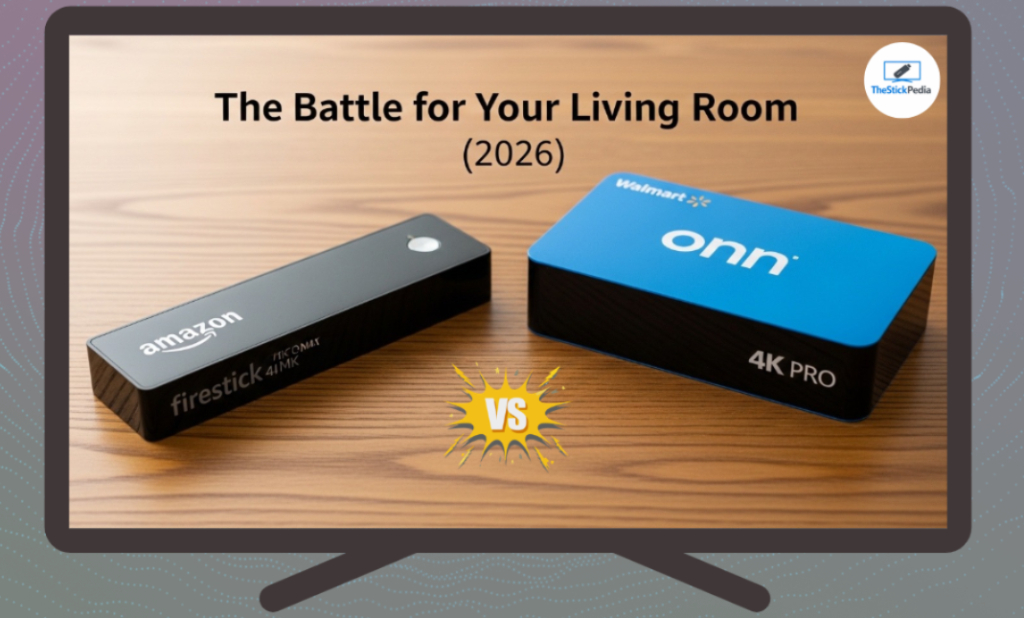
The Elephant in the Room: Amazon’s Vega OS
The primary reason people are ditching Fire TV is the new Vega OS. For years, Fire OS was based on Android, which meant you could easily install .apk files.
In 2026, Amazon is moving away from Android to its proprietary Vega OS.
-
The Problem: Vega OS is not compatible with Android apps.
-
The Result: Your favorite streaming APKs simply won’t work.
-
The Lockdown: Amazon is also making it harder to use custom launchers, forcing you to look at an interface cluttered with ads.
This is where the Walmart Onn 4K Pro wins. It runs on Google TV (Android 14), meaning it remains an open system where you can install whatever you want.
Hardware Comparison: No Contest
When you look at the specs, the Walmart Onn 4K Pro isn’t just a “budget” device; it’s a powerhouse that rivals the Firestick 4K Max and even the Nvidia Shield in some aspects.
| Feature | Amazon Firestick 4K Max | Walmart Onn 4K Pro |
| Operating System | Vega OS (Locked) | Google TV (Open Android) |
| RAM | 2GB | 3GB |
| Storage | 16GB | 32GB |
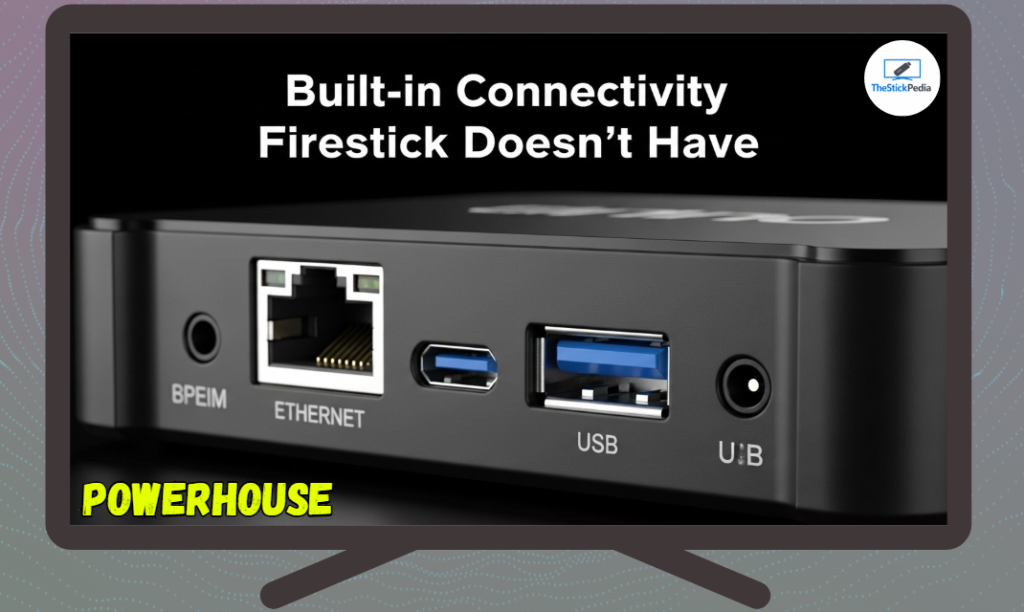
| USB Port | No (Needs OTG) | Yes (Built-in USB 3.0) |
| Ethernet | No (Needs Adapter) | Yes (Built-in Port) |
| Price | $59.99 | $49.88 |
Why 3GB RAM Matters
In 2026, streaming apps have become heavier. High-quality 4K skins and Real-Debrid scrapers require more memory. The 2GB RAM on the Firestick often leads to “System UI is not responding” errors. The Onn 4K Pro’s 3GB RAM ensures that multitasking between apps is buttery smooth.
Sideloading: The Freedom Factor
If you are a TROYPOINT reader, you likely use the Downloader App.
On the Firestick, using Downloader is becoming a game of cat and mouse. You have to navigate through hidden developer menus, and even then, the system might block the installation of “Unknown Apps” via a cloud-based check.
On the Onn 4K Pro, the process is exactly how it used to be in the “Good Old Days”:
-
Enable Developer Options.
-
Install Downloader.
-
Enter your code and install your app.
Google TV’s “Play Protect” might give you a warning, but it still gives you the choice to install. Amazon is taking that choice away.
The Remote and User Interface
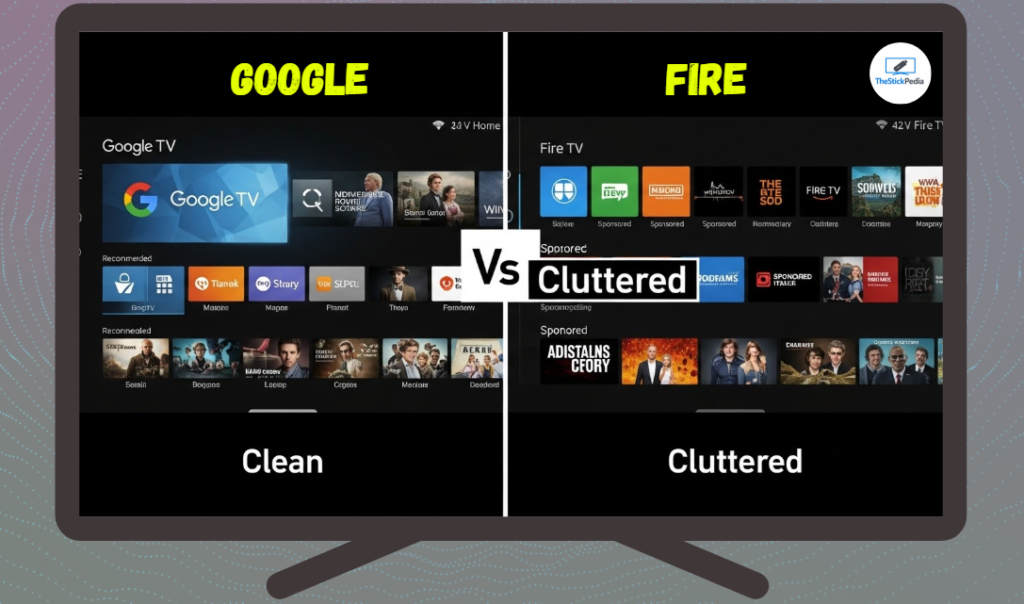
Amazon’s interface has become a giant billboard. 80% of your home screen is filled with ads for shows you don’t want to watch.
Google TV on the Onn 4K Pro is much cleaner. It focuses on “Recommendations” based on your actual viewing habits across Netflix, Disney+, and YouTube. Plus, the Onn 4K Pro remote has a “Magic Button” (the star icon) that you can program to open any app—like Cinema HD or Stremio—instantly.
Performance Test: 4K Streaming & Buffering
We tested both devices using a 100Mbps connection and a Real-Debrid account.
-
Firestick 4K Max: While it supports Wi-Fi 6E, the lack of a built-in Ethernet port means you are at the mercy of your Wi-Fi signal. We noticed slight frame drops in heavy 80GB 4K REMUX files.
-
Onn 4K Pro: Using the built-in Ethernet port, the connection was rock solid. The device handled high-bitrate files without a single stutter. The extra gigabyte of RAM really helps in caching the video stream ahead of time.
The “Stock” Crisis: Why You Can’t Find One
Currently, the Walmart Onn 4K Pro is frequently sold out. This isn’t just a supply chain issue; it’s a demand issue. As TROYPOINT recently reported, millions of users are “ditching” Fire TV, and they are all heading to Walmart.
Pro Tip for 2026: If you see it in stock at your local Walmart, buy it immediately. It is the best $50 investment you can make for your home theater.
How to Switch from Firestick to Onn 4K Pro
Switching is easier than you think. You don’t have to lose your settings.
-
Backup with Trakt: Ensure your movie watch history is synced to Trakt.tv.
-
Cloud Storage: Use an app like “Send Files to TV” to move any local media or APKs from your Firestick to your new Onn box.
-
The Downloader Method: Simply use your existing Downloader codes on the Onn box to get your apps back in minutes.
Frequently Asked Questions (FAQs)
Q: Will my Firestick stop working completely?
A: No, but it will become much more restricted. You will likely lose the ability to install many third-party apps as the Vega OS update rolls out.
Q: Does the Onn 4K Pro support Dolby Vision?
A: Yes, it supports Dolby Vision, Dolby Atmos, and HDR10+, making it perfect for high-end TV setups.
Q: Is there a monthly fee for the Walmart Onn box?
A: No. Unlike some cable boxes, once you buy the hardware for $49, it is yours. There are no hidden subscriptions.
Q: Can I use the TROYPOINT Toolbox on the Onn box?
A: Absolutely. Since it runs Android, all of TROYPOINT’s tools and codes work perfectly.
Final Verdict: The King is Dead, Long Live the King
In 2026, the recommendation is clear. If you are a casual viewer who only watches Netflix and Prime Video, the Firestick is fine.
But if you are a cord-cutter, a sideloader, or someone who wants the best specs for the lowest price, the Walmart Onn 4K Pro is the superior device. Amazon’s move to lock down its ecosystem has opened the door for Walmart to take over the living room—and they have done it with a device that is faster, cheaper, and more open.
Don’t wait for your Firestick to become a brick. Make the switch to the Onn 4K Pro today.
Internal Link: Jailbreak Firestick in 5 Minutes
Internal Link: Firestick vs Onn 4K Pro (2026)
Internal Link: Install TiviMate IPTV Player on Firestick