Hi Everyone! Today I will sahre you about a Philo App which is used for playing Live TV, Movies, Shows, and must installation method of Philo on Firestick in this article. If you are looking for the most affordable way to stream live TV without the heavy price tag of cable, Philo is your best bet. While competitors like FuboTV and YouTube TV are pushing prices toward $80, Philo remains the “skinny bundle” king for entertainment and lifestyle lovers.
For more news about technology and receivers, always visit thestickpedia.com, your reliable source of information. And must read this solution, Philo on Firestick
In this comprehensive 2026 guide, I will show you exactly how to install Philo on Firestick, explore the new $33 pricing tier, and solve the common “Philo not working” issues that other guides ignore.
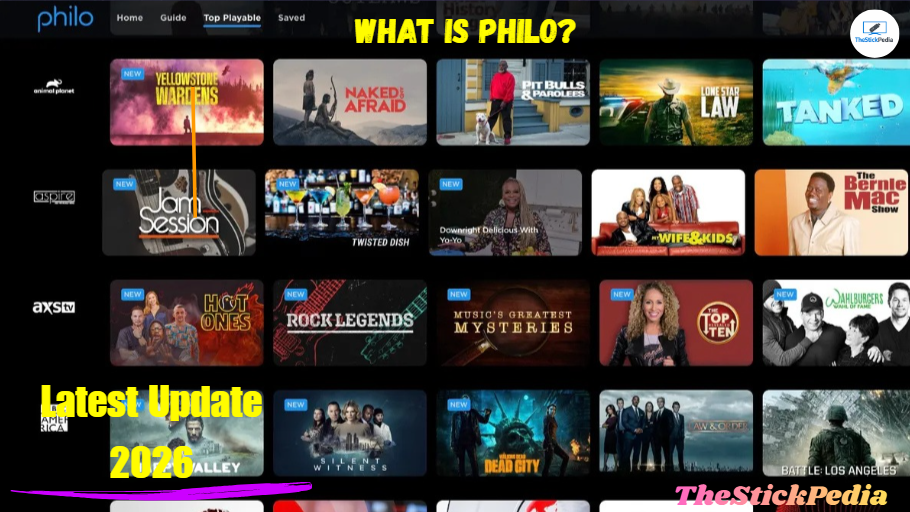
What is Philo?
The Philo is a live TV and on-demand streaming service that prioritizes entertainment, lifestyle, and knowledge-based channels. Unlike other services, Philo skips expensive local broadcast channels and sports networks to keep the monthly cost low.
With the 2026 update, Philo has expanded its library to include over 70+ premium channels and has integrated deeper with the Fire TV OS, allowing users to manage their recordings and live schedules directly from the Firestick home screen.
Philo on Firestick
Key Features of Philo in 2026:
-
Unlimited DVR: Record any show and keep it for up to one year.
-
Multiple Profiles: Create up to 10 personalized profiles per account.
-
Concurrent Streams: Watch on up to 3 devices at the same time.
-
Deep Integration: Fully compatible with the Fire TV “Live” guide.
-
Trial Period: New users can still avail themselves of a 7-day free trial.
Philo Pricing & Plans (Latest Feb 2026 Update)-Philo on Firestick
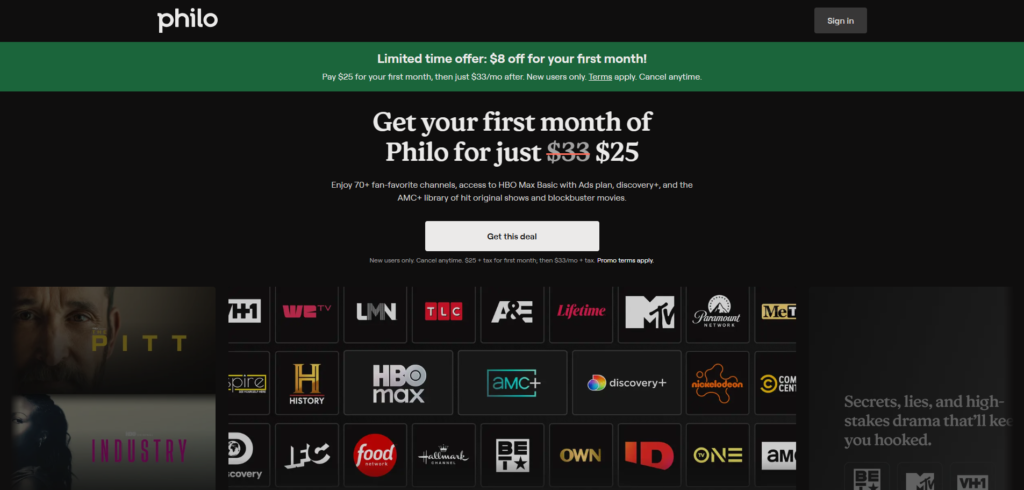
One of the main reasons users are switching to Philo this year is the revised pricing structure.
| Feature | Philo Core Plan (2026) |
| Monthly Price | $33/month |
| Channels | 70+ Live Channels |
| Free Trial | 7 Days |
| DVR | Unlimited (12 Months) |
| Premium Add-ons | AMC+, MGM+, Starz, Reelz |
Must Note: The price recently moved from $25 to $33, but this now includes AMC+ (with ads) as part of the base package, providing significantly more value than previous years.
How to Install Philo on Firestick (Official Method)
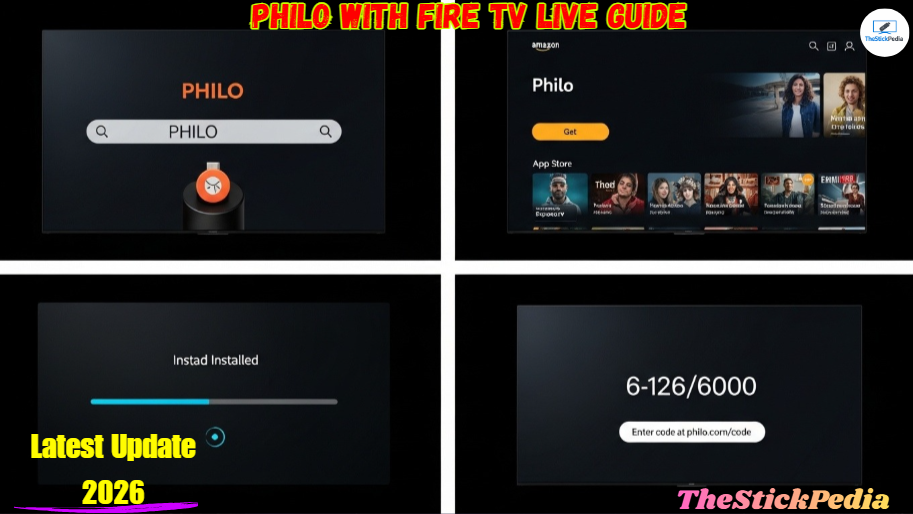
Since Philo is an official app available on the Amazon App Store, you do not need to “jailbreak” or use Downloader unless you are in a restricted region. Follow these exact steps:
Step 1: Search for Philo
-
Turn on your Firestick and go to the Find menu on the home screen.
-
Click on the Search tile.
-
Type “Philo” using the on-screen keyboard.
-
Select the Philo app from the list of results (it’s the one with the blue/teal logo).
Step 2: Download and Install
-
Click the Get or Download button.
-
Wait for a few seconds as the Firestick downloads the 2026 version of the app.
-
Once finished, click Open.
Step 3: Activation
-
When you open the app, click on Start Watching or Sign In.
-
Enter your mobile number or email address.
-
Philo will send a link/code to your phone or email.
-
Click the link to authorize the device. Your Firestick will automatically refresh and log you in.
The Main one Trick to connect to Philo on Firestick
The “Pro” Move: Syncing Philo with Fire TV Live Guide
Most users manually open the Philo app every time they want to watch TV. However, you can integrate Philo directly into your Firestick’s native interface. This is a feature many other guides miss!
-
Go to Firestick Settings.
-
Select Live TV.
-
Click on Sync Sources.
-
Select Philo and wait for the “Sync Complete” message.
-
Now, you can access all Philo channels directly from the “Live” tab on your Firestick home screen without opening the app.
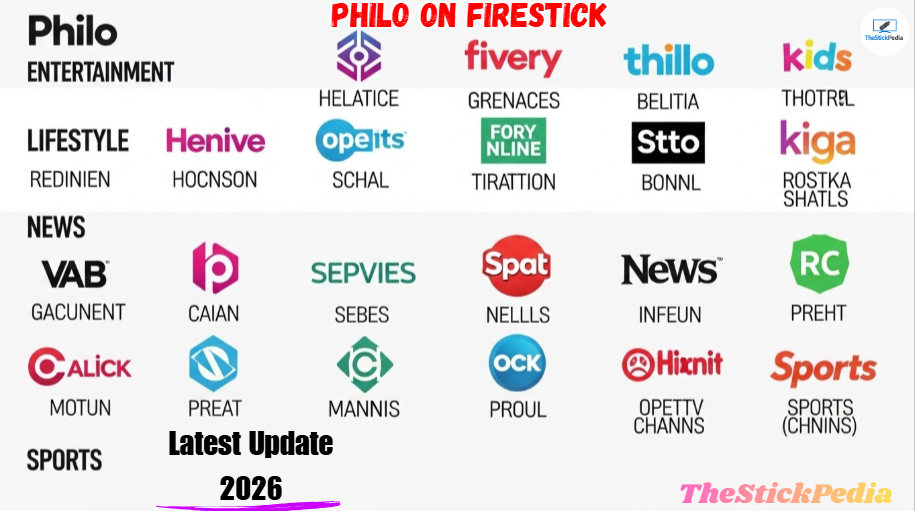
Philo Channel List 2026
Philo is perfect for fans of reality TV, movies, and documentaries. Here is a breakdown of the top channels included in the $33 plan:
-
Entertainment: AMC, A&E, BET, Comedy Central, Discovery Channel, Hallmark Channel, HGTV, History, Investigation Discovery (ID), Lifetime, MTV, Nickelodeon, Paramount Network, TLC, VH1.
-
News: BBC World News, Bloomberg Television, Cheddar News.
-
Movies: IFC, Lifetime Movies, Reelz, Sundance TV.
-
New Additions (2026): AMC+ (Bundle), MeTV, and several FAST channels.
Troubleshooting: Philo on Firestick Not Working?
Even the best apps have glitches. If your Philo app is crashing, buffering, or showing a black screen, try these proven fixes:
1. The “Login Loop” Fix
If Philo keeps asking you to sign in repeatedly, it is likely a cache issue.
-
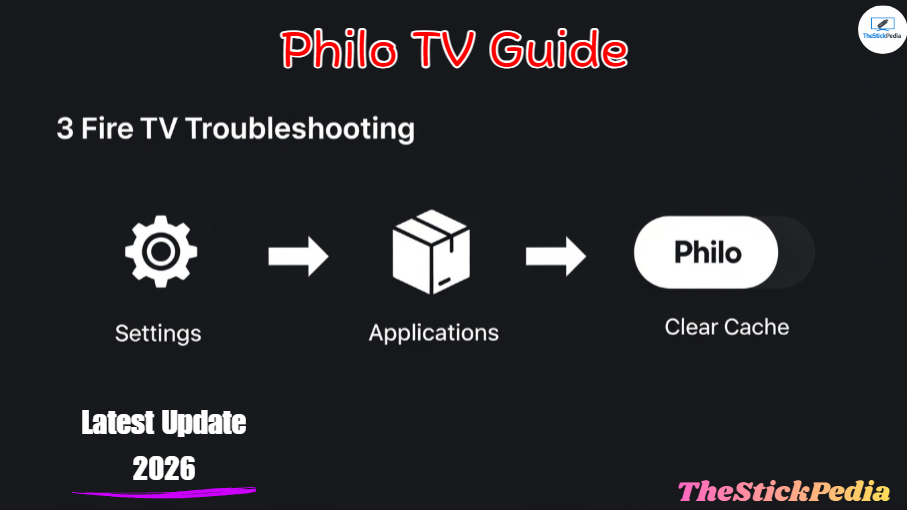
Go to Settings > Applications > Manage Installed Applications.
-
Select Philo.
-
Click Clear Cache and then Force Stop.
-
Restart your Firestick and try again.
2. Buffering Issues
Philo requires at least 5 Mbps for SD and 10-15 Mbps for HD streaming.
-
If you are buffering, check your network speed using the “Analiti” app on Firestick.
-
Pro Tip: Change your Firestick Wi-Fi connection from 2.4GHz to 5GHz for a more stable stream.
3. Philo App Not Found
If you cannot find Philo in the Amazon App Store, your Amazon account is likely set to a region outside the United States.
-
Philo is only available in the USA. To fix this, you must change your digital content settings on Amazon.com or use a high-quality VPN like ExpressVPN set to a US server.
Philo vs. The Competition (Is it worth it?)
To help you decide, let’s look at how Philo stacks up against other major players in 2026. Philo TV Guide
| Service | Price | Sports | DVR |
| Philo | $33 | No | Unlimited (1 Year) |
| Sling TV | $40+ | Yes | 50 Hours |
| YouTube TV | $73+ | Yes | Unlimited (9 Months) |
| Hulu + Live TV | $76+ | Yes | Unlimited |
My Verdict: If you don’t care about live sports or local news (which you can get for free with an antenna), Philo saves you over $400 a year compared to YouTube TV.
Pros and Cons of Philo on Firestick
Pros:
-
Cheapest Price: Lowest cost for a legal live TV service.
-
Unlimited DVR: You never have to worry about running out of space.
-
User Interface: Very modern, sleek, and easy to navigate.
-
No Contracts: Cancel or pause your subscription anytime with one click.
Cons:
-
No Sports: No ESPN, FS1, or local sports networks.
-
No Local Channels: No ABC, CBS, or NBC (except via certain add-ons).
-
US Only: Requires a VPN for international travelers.
Frequently Asked Questions (FAQs)
1. Is Philo free on Firestick?
The app is free to download, but the service requires a subscription. However, you can get a 7-day free trial to test it out before paying.
2. How do I cancel Philo on Firestick?
You cannot cancel directly inside the Firestick app. You must visit Philo.com/account, log in, and select “Cancel Subscription” at the bottom of the page.
3. Can I use Philo outside the USA?
Officially, no. Philo is geo-restricted to the United States. If you are traveling, you will need a VPN with a US IP address to access your account.
4. Does Philo have commercials?
Yes, since it is Live TV, you will see the same commercials as cable. However, you can fast-forward through commercials on any show you have saved to your DVR.
My Final Recommendation:
Philo remains the best value-for-money streaming service in 2026 for Firestick users. Its seamless integration with the Fire TV Live Guide and the addition of AMC+ make the $33 price tag very reasonable.
If you followed this guide, you should now have Philo up and running. If you ran into any errors during the installation, drop a comment below, and I will help you fix it!
Official Links:
-
Philo Official Website: https://www.philo.com
-
Philo Help Center: https://help.philo.com
Internal Link: Jailbreak Firestick in 5 Minutes
Internal Link: Firestick vs Onn 4K Pro (2026)
Internal Link: Install TiviMate IPTV Player on Firestick
Internal Link: 25 Free Sports Streaming Sites (Updated 2026)
Do you have any questions about connecting of Install Philo on Firestick? Leave your comment below or explore more technical content at Thestickpedia.com.