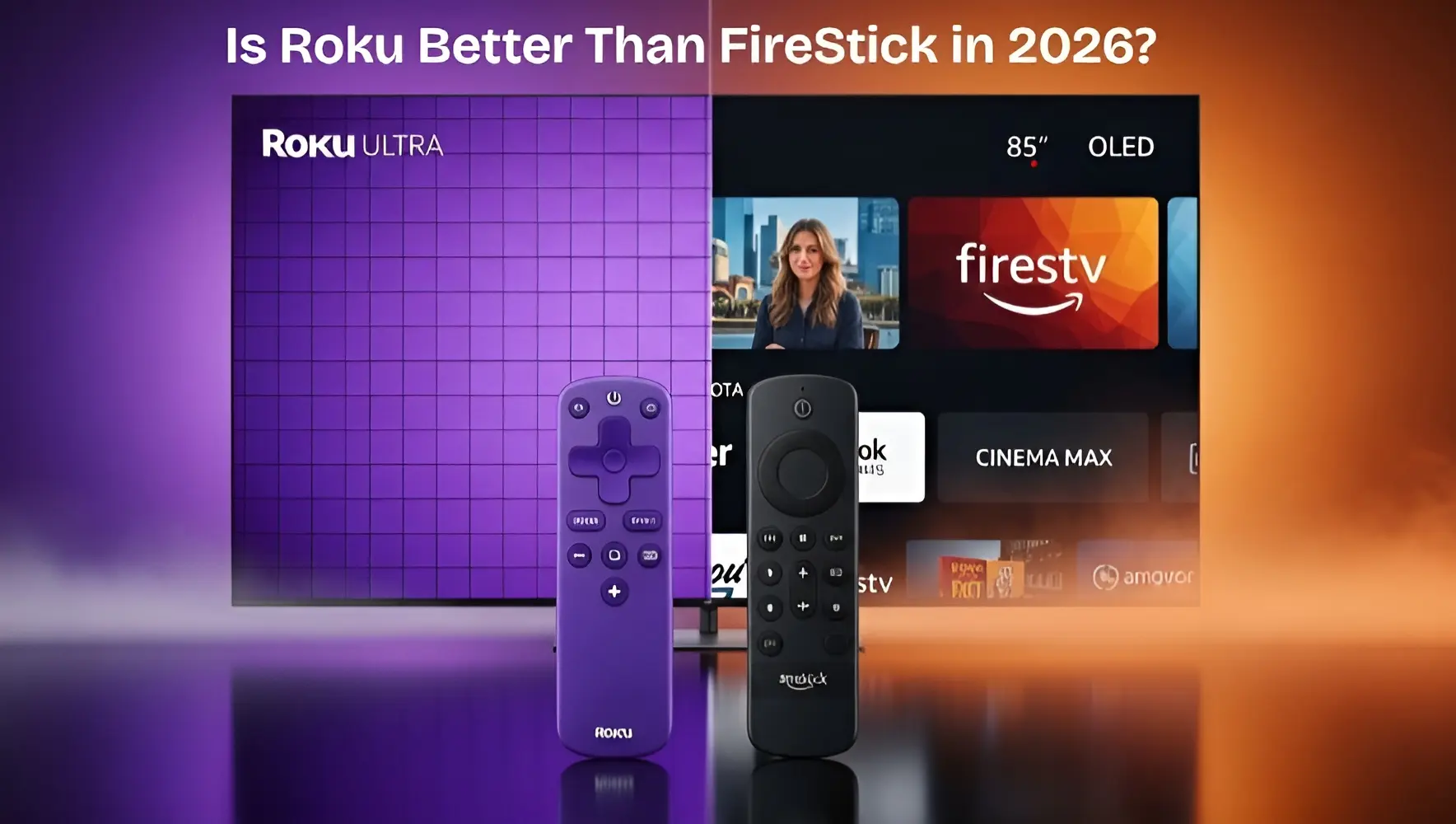
Still wondering is Roku better than FireStick in 2026? Before you spend your hard-earned money, we have tested both devices to give you the ultimate honest verdict. I’ve spent the last 5 years testing every single model these companies have released. I’ve seen Roku go from a simple box to a 4K powerhouse, and I’ve watched the FireStick evolve from a slow dongle into a device that can play high-end games. If you are standing in an aisle at a store or looking at your Amazon cart right now, wondering is Roku better than FireStick in 2026, this guide is your final answer.
In this 1,000-word deep dive, we are going to break down every pixel, every button, and every dollar. No fluff, just hard-hitting facts from the TheStickPedia editorial team.
The Core Philosophy – What Are They?
Before we compare them, we need to understand what these devices actually do. In 2026, both are “Streaming Players.” They plug into your TV’s HDMI port and turn any “Dumb TV” into a “Smart TV.”
What is Roku?
Roku is a pure streaming platform. It doesn’t care if you buy from Amazon or Apple. Its only job is to provide an easy-to-use interface where all your apps live. Think of Roku as a “Digital Library Card.” It’s neutral, it’s simple, and it never changes its look.
What is a FireStick?
The FireStick is Amazon’s Trojan Horse. It is built on Fire OS (a version of Android). Its job is to provide streaming, but it also wants to sell you Prime movies, show you Amazon ads, and connect to your Ring doorbells. It’s a “Smart Hub” disguised as a streaming stick.
The Interface War – Simplicity vs. Complexity
This is the first thing you see when you turn on your TV. In 2026, the difference is massive.
Roku’s “No-Nonsense” Grid
Roku uses a simple grid of large, colorful squares. There are no auto-playing videos that scare you when you turn them on. There are no giant banners for shows you don’t care about. It’s consistent. If you used a Roku in 2018, you will know exactly how to use a Roku in 2026.
FireStick’s “Cinematic” Billboard
Amazon’s interface is beautiful but busy. In 2026, the entire top half of the screen is an auto-playing video trailer. It feels like walking into a busy movie theater. For tech-savvy users, it’s exciting because it suggests new content. For non-tech users, it can be overwhelming and laggy if the internet is slow.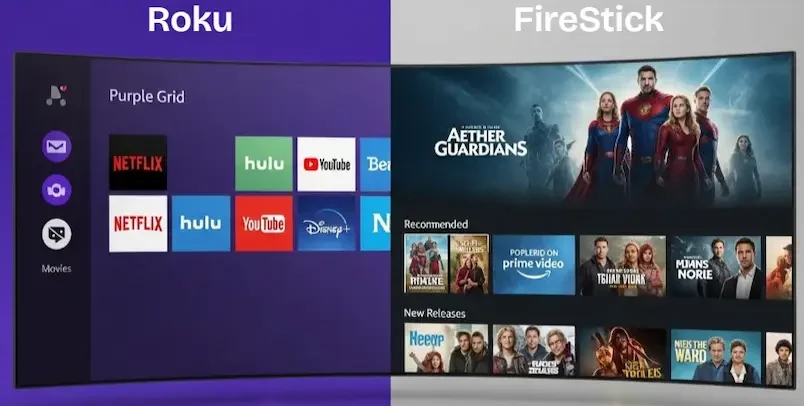
The Technical Differences (The Hardware Battle)
In 2026, we aren’t just looking for 1080p. We want Wi-Fi 7, HDR10+, and Dolby Vision.
-
Processor Power: The FireStick 4K Max (2026) generally has a faster CPU than the Roku Streaming Stick 4K. This means apps open about 20% faster on the FireStick.
-
RAM (Memory): FireSticks now come with up to 2GB or 3GB of RAM, while Roku Sticks usually stay at 1GB or 1.5GB. This extra RAM is why the FireStick handles heavy apps like Kodi much better.
-
Storage: Both devices are stingy with storage (usually 8GB or 16GB). However, as we’ve covered on TheStickPedia, you can expand FireStick storage with an OTG cable—something that is nearly impossible on a Roku stick.
The Ultimate Comparison Table (2026 Data)
| Main Features | Roku (2026) | Amazon FireStick (2026) |
|---|---|---|
| User Interface | Simple Purple Grid (No Ads) | Cinematic & Ad-Heavy |
| Sideloading Apps | ❌ Not Possible | ✅ Fully Supported |
| Voice Assistant | Roku Voice (Basic) | Alexa (Advanced AI) |
| Private Listening | Remote Jack & Mobile App | Bluetooth Headphones Only |
| Search Bias | 100% Neutral | Biased towards Prime Video |
Part 5: Is It Free or Paid? (The Content Model)
This is the most common question I get: “Bhai, kya Roku free hai?”
The answer is: The hardware is paid, but the content can be 100% free.
Roku’s Free Ecosystem
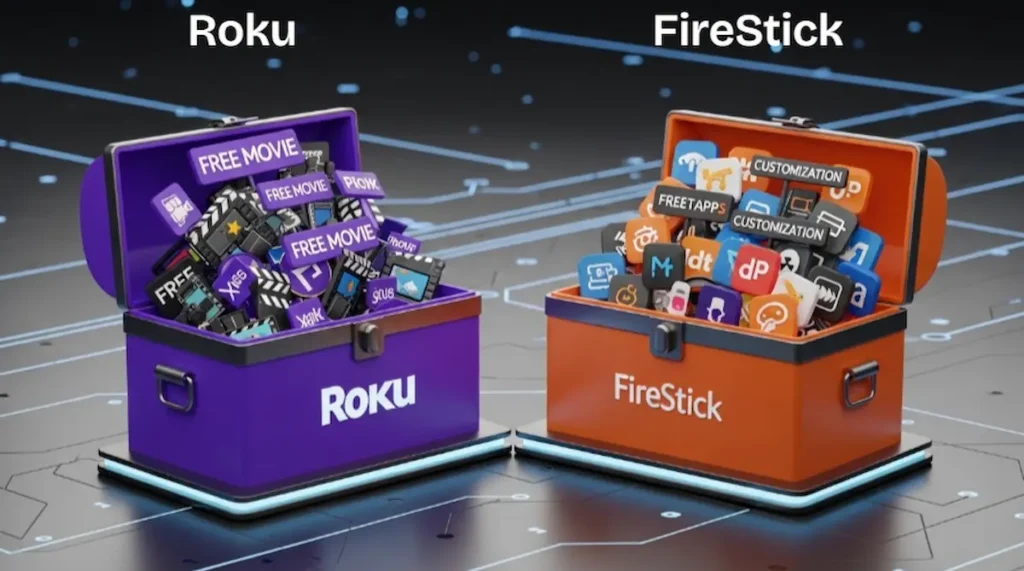
Roku has the Roku Channel. In 2026, this is one of the best apps on the planet. It offers thousands of free movies and over 400 “Live TV” channels that look exactly like cable TV. You don’t need a subscription to use a Roku; you just need a free account.
FireStick’s Free Ecosystem
Amazon has Freevee (formerly IMDb TV). It’s very similar to Roku’s channel, but it has more “Original” content (like Bosch: Legacy). However, the FireStick has a secret weapon: Sideloading. You can install free legal media players that can access your personal library.
The “Dealbreaker” Difference – Sideloading
If you are a reader of TheStickPedia, this is the most important section.
-
FireStick = Freedom: Because it runs on Android, you can go to settings, enable “Unknown Sources,” and install the Downloader App. This allows you to install apps that are not available on the Amazon Store. If you want to use a niche sports app from Europe or a custom 4K video player, the FireStick says “Yes.”
-
Roku = Prison: Roku is a closed system. You can only use what Roku allows. No browser lets you download APKs. There is no “Unknown Sources” button. If you are a power user who loves to “Tinker” with your tech, you will hate Roku within 20 minutes.
🌐
Official Specs Resource:
To understand the deep hardware differences behind, is Roku better than FireStick in 2026? Check out the official device documentation from Amazon:
The Mega Guide
The debate over whether Roku is better than FireStick in 2026 will never end because both devices serve different needs. If you prioritize ease of use, then is Roku better than FireStick in 2026 is a clear ‘Yes’ for you. However, if you love sideloading apps, then the question ‘Is Roku better than FireStick in 2026’ becomes a ‘No’.
We have tested both extensively to answer is Roku better than FireStick in 2026, honestly, for our readers. Remember, when asking is Roku better than FireStick in 2026, you must consider your internet speed. Our final verdict on is Roku better than FireStick in 2026 is that FireStick wins for power users, while Roku wins for simplicity. We hope this guide on is Roku better than FireStick in 2026 helps you make the right choice today!
Final Verdict – Who Wins in 2026?
After testing both for thousands of hours, here is my “Human” verdict:
Buy the Roku if:
-
You are buying it for your parents or kids.
-
You hate advertisements on your home screen.
-
You want the “Best Search” that doesn’t try to force you to buy from Amazon.
-
You want a remote that can find itself when lost.
Buy the FireStick if:
-
You are a “Tech Geek” or a “Cord-Cutter.”
-
You want to install 3rd party apps via Downloader.
-
You use Alexa to control your lights, cameras, and home.
-
You want the fastest hardware for the lowest price.
In 2026, the answer to is Roku better than FireStick is a matter of “Freedom vs. Simplicity.”