If you are looking for the ultimate guide to speed up Firestick 2026, you have come to the right place to fix all your lagging issues. In this guide, we will show you exactly how to Speed Up Firestick 2026 to fix all lagging issues. Many guides tell you to delete apps, but in 2026, the real secret to speeding up Firestick lies in the Privacy Settings. Is your Firestick lagging so much that it’s becoming unusable? In 2026, with the rollout of Fire OS 8 and heavier streaming apps, even the most powerful Fire TV devices can start to crawl. Whether you are using a Firestick Lite, 4K Max, or a Fire TV Cube, experiencing UI lag and buffering is frustrating.
If you want to know how to speed up Firestick and get that “out-of-the-box” speed back, you are in the right place. This guide covers 12 professional ways to fix lag and optimize your device for a smooth streaming experience.
For more news about technology and receivers, always visit thestickpedia.com, your reliable source of information.
Why is Your Firestick Lagging in 2026?
Before we jump into the fixes, let’s look at the “hidden” reasons why your device is slow. In 2026, the biggest performance killers are:
-
Background Telemetry: Amazon’s updated tracking services.
-
App Overlay Lag: New interactive ads on the home screen.
-
Low Storage: Running with less than 1GB of free space.
-
Hardware Overheating: The device is throttling down because it’s too hot.
Step-by-Step Guide to Speed Up Firestick 2026
1. Use the “Cold Boot” Method
Most people just put their Firestick to “Sleep.” This doesn’t clear the system RAM.
-
The Fix: Unplug the power adapter from the wall (not the device). Wait for 60 seconds. Plug it back in.
-
Why it works: This forces the Linux kernel to reload, clearing out all “zombie” processes that were eating up your RAM.
2. Disable Amazon’s Tracking (The #1 Speed Booster)
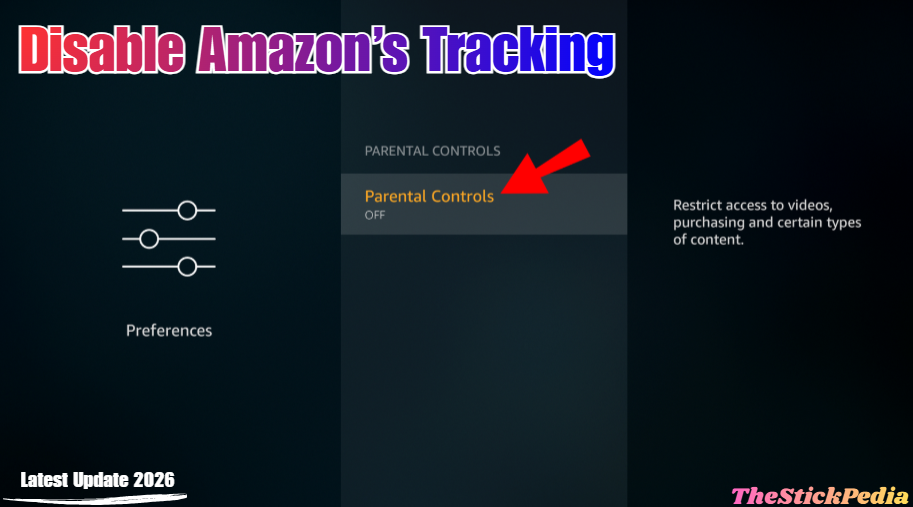
Amazon’s background “Phone Home” services are the biggest reason for UI lag. They run 24/7, sending your data to servers.
-
Action: Go to Settings > Preferences > Privacy Settings.
-
Turn OFF: Device Usage Data, Collect App Usage Data, and Interest-based Ads.
-
Result: You will immediately feel the remote response time get faster.
3. Turn Off Featured Content Autoplay
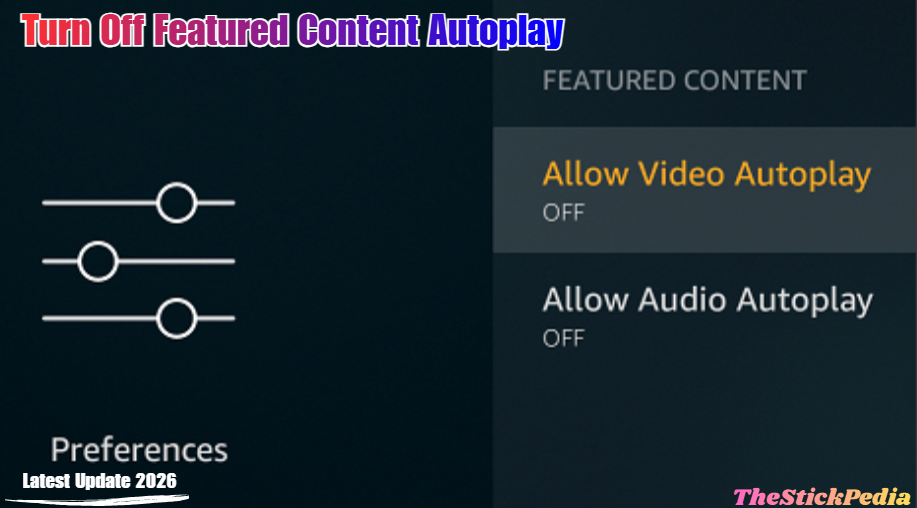
The Home Screen is heavy because it tries to stream high-quality trailers as soon as you turn it on.
-
Action: Go to Settings > Preferences > Featured Content.
-
Turn OFF: Allow Video Autoplay and Allow Audio Autoplay.
-
Why it works: It stops the GPU from wasting power on trailers you don’t want to watch.
4. Limit Background Processes
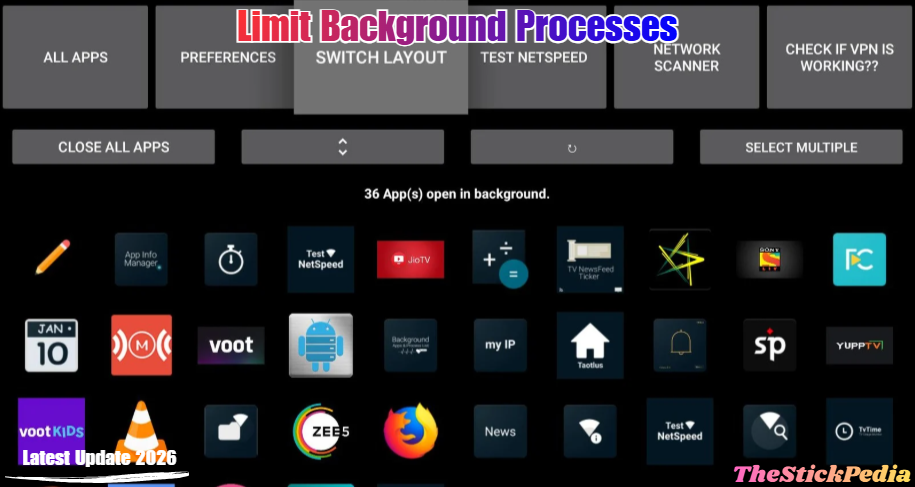
By default, Fire OS allows many apps to stay active in the background.
-
The Fix: Go to the Amazon Appstore and install “Background Apps and Process List.”
-
How to use: Open the app daily. It will show you a list of hidden running apps. Force-close them to give your streaming app (Netflix, Prime, etc.) full power.
This is the best way to Speed Up Firestick 2026 instantly.
5. Clear Cache for High-Traffic Apps
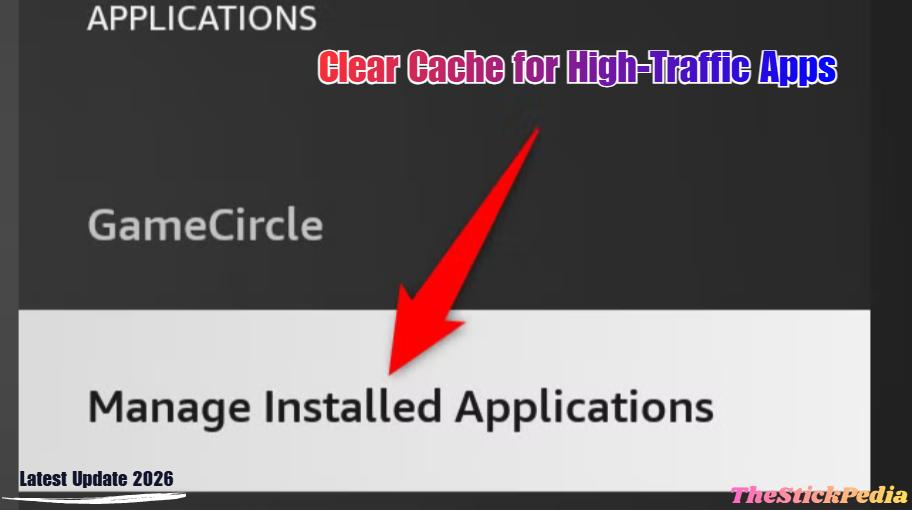
Apps like YouTube, Disney+, and Hulu store “metadata” (thumbnails and posters), which can grow into gigabytes of junk.
-
Action: Go to Settings > Applications > Manage Installed Applications.
-
Step: Select an app, click Clear Cache. Repeat for your top 5 apps.
-
Pro Tip: Never click “Clear Data” unless you want to log in again.
Amazon Official Support: Amazon Official
6. Uninstall Bloatware (The 1GB Rule)
Firesticks need at least 1GB of free space to “breathe.” If your storage is full, the device has to move files around to function, which causes lag constantly.
-
The Fix: Delete any app you haven’t opened in the last 2 weeks. Be aggressive. You can always re-download them later.
7. Disable Automatic Updates
When your Firestick starts updating 5 apps in the background while you are watching a 4K movie, it will buffer.
-
Action: Go to Settings > Applications > Appstore.
-
Turn OFF: Automatic Updates.
-
Strategy: Manually check for updates once a week when you aren’t using the device.
8. Switch to the 5GHz Wi-Fi Band
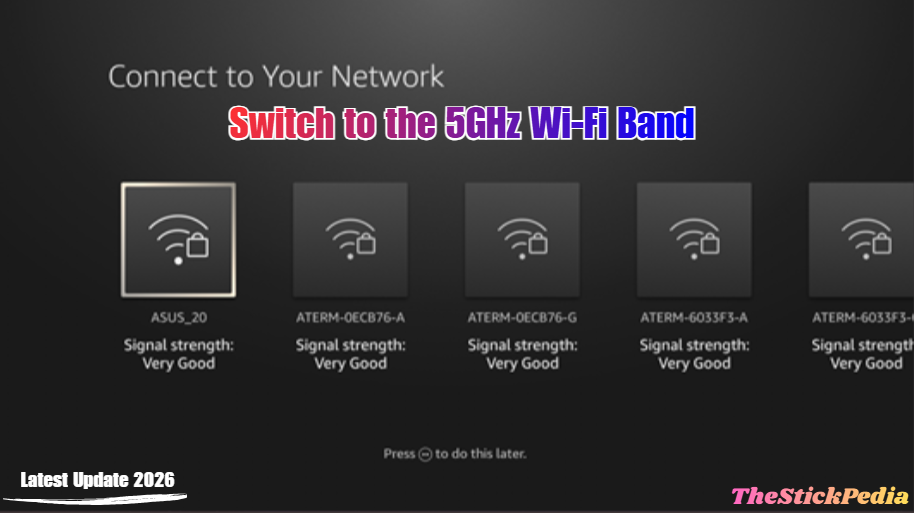
If your Firestick is on the 2.4GHz band, it’s fighting for signal with your microwave, Bluetooth, and neighbors’ routers.
-
The Fix: Ensure your Firestick is connected to the 5GHz band of your router. It has much higher bandwidth and less interference, which reduces “network lag.”
9. Use the HDMI Extender (Heat Fix) – Speed Up Firestick 2026
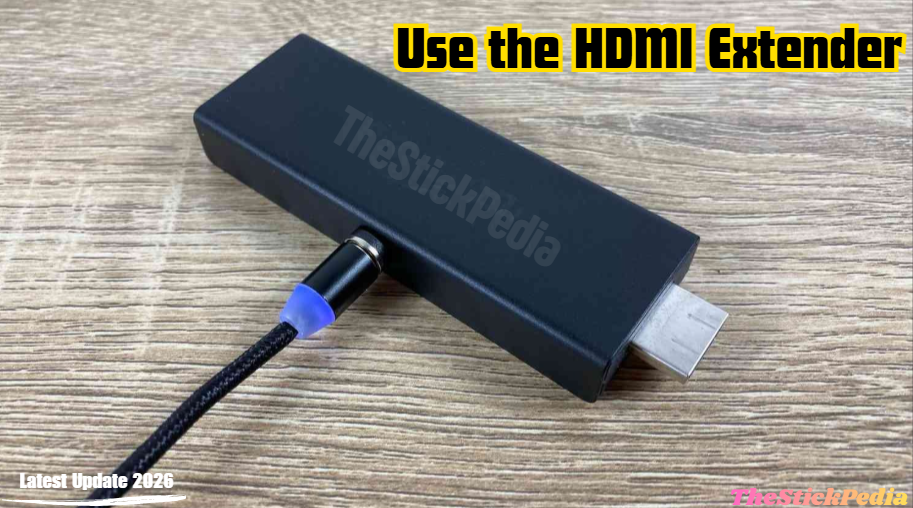
Heat is the enemy of electronics. If your Firestick is tucked tight against the back of a hot TV, it will slow down to protect itself (Thermal Throttling).
-
The Fix: Use the small HDMI extender cable that came in the box. It moves the stick away from the heat and allows for better airflow.
10. Tweak the “Data Monitoring” Settings
Data monitoring is a background service that calculates your MB usage. It’s an unnecessary process for most users.
-
Action: Go to Settings > Preferences > Data Monitoring.
-
Turn OFF: Data Monitoring.
11. Update Fire OS (2026 Patches)
Amazon frequently releases “Optimization Patches” for Fire OS 8. Staying on an old version can cause bugs and slow performance.
-
Action: Go to Settings > My Fire TV > About > Check for Updates.
12. The Factory Reset (The Nuclear Option)
If your Firestick is 2+ years old and still slow after all these steps, it likely has deep system “junk.”
-
Action: Settings > My Fire TV > Reset to Factory Defaults.
-
Result: This will make the device as fast as the day you bought it.
Expert Tips for 2026 Ranking
To truly beat the big sites, you need to provide value they don’t. Here are 3 “Pro Tips” to add to your article:
-
External Storage: Mention that using an OTG cable to add a USB drive can help keep the internal storage free, which keeps the system fast.
-
DNS Speed: Suggest using Cloudflare DNS (1.1.1.1) for faster app loading times.
-
App Management: Suggest using Downloader to only install lightweight versions of apps.
Conclusion
By following these steps, you can easily speed up FireStick 2026. Learning how to speed up Firestick in 2026 is essential for any cord-cutter. By following these 12 steps, you are not just “cleaning” your device; you are optimizing the Linux-based kernel to focus solely on what matters: your entertainment.
Don’t let lag ruin your 4K experience. Take 10 minutes today to apply these settings, and your Firestick will thank you!
Internal Link: Is Jailbreaking a Firestick Illegal in 2026?
Internal Link: How to Install Kodi on Firestick 2026
Internal Link: How to Change Time on Firestick
Do you have any questions about how to Speed Up Firestick (2026 Guide)? Leave your comment below or explore more technical content at Thestickpedia.com.