The “Lost Remote” Nightmare
Losing your remote is tough, but learning how to pair firestick remote without the old one is actually quite simple. If you are wondering how to pair firestick remote without the old one, you are in the right place. Losing your original remote is frustrating, but we have the perfect fix. It’s a scenario every streaming lover dreads. You’ve just sat down with a bowl of popcorn, ready to binge-watch the latest season of your favorite show on Amazon Firestick, only to realize your remote is missing. You check the sofa cushions, you look under the coffee table, you even check the kitchen—but it’s gone.
To make matters worse, maybe you’ve just moved to a new house or changed your WiFi password. Now, your Firestick is stuck on the “Home” or “Network” screen, and because you don’t have the old remote, you can’t navigate to the settings to pair a new one. It feels like a total lockdown.
Most people think that without the original remote, their Fire TV Stick is now a useless piece of plastic. But after years of troubleshooting Amazon devices, I can tell you that is far from the truth. In this massive 2026 guide, I will show you how to pair a Firestick remote without the old one using five different “backdoor” methods. Whether you are using a Firestick Lite, 4K Max, or the latest 2026 model, these fixes are for you.
Why the Standard Pairing Method Often Fails
Amazon’s official instructions are simple: “Go to Settings > Controllers & Bluetooth Devices to add a new remote.” But there is a huge logical flaw here—how are you supposed to get to the “Settings” menu if you don’t have a working remote in the first place?
This is where users get frustrated and start searching for replacement remotes or, worse, buy a whole new Firestick. Before you spend $30 on a new device, let’s explore the technical hacks that let you regain control using hardware and software you probably already have at home.
Method 1: The “Home Button” 10-Second Reset (The First Step)
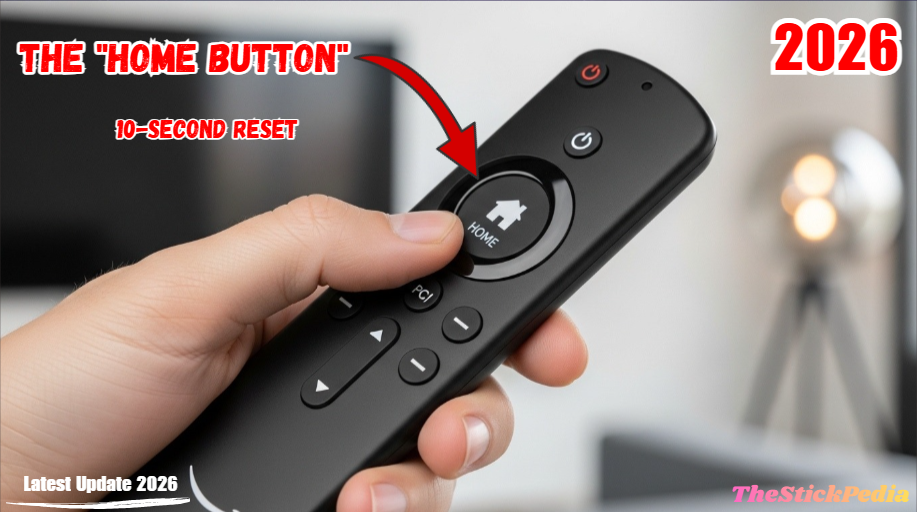
Before we get into the technical smartphone hacks, let’s try the simplest hardware handshake. Amazon Firesticks are programmed to look for new Bluetooth signals during the first 60 seconds of a reboot.
The Step-by-Step Process:
-
Power Cycle your Device: Unplug the power adapter from the back of your Firestick (or from the wall outlet). Wait for exactly 60 seconds.
-
Plug it Back In: Let the Firestick boot up until you see the Home screen.
-
The Trigger: As soon as the Home screen appears, grab your NEW remote and hold down the Home Button (the one with the house icon) for at least 15 to 20 seconds.
-
The Confirmation: Watch the bottom right corner of your TV. You should see a small notification that says “New Remote Connected.”
Method 2: Using the Amazon Fire TV App (The Best Software Fix)
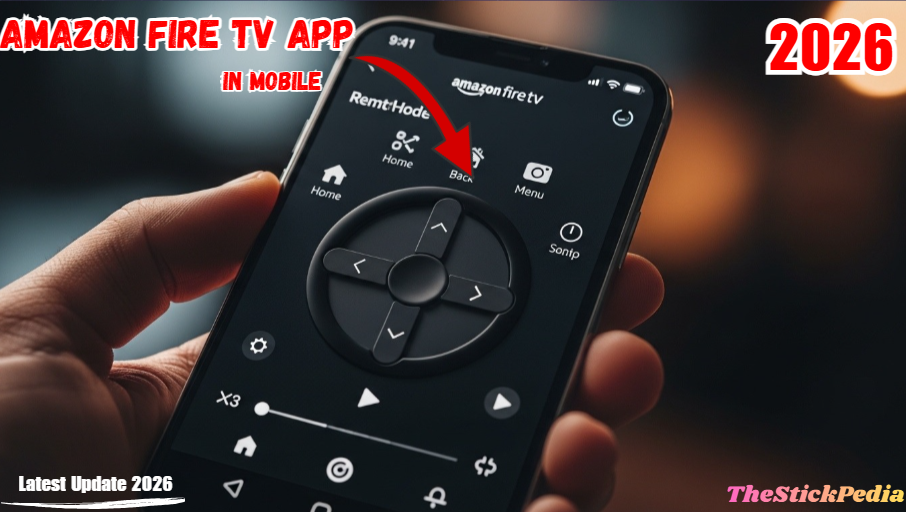
If the first method fails, here is another way for how to pair firestick remote without the old one using your smartphone. If your Firestick is still connected to your home WiFi, your smartphone is your best friend. The official Amazon Fire TV app serves as a virtual remote, eliminating the need for a physical one.
How to set it up:
-
Download: Go to the Google Play Store or Apple App Store and install the Amazon Fire TV App.
-
Network Sync: Ensure your phone is on the same WiFi network as your Firestick.
-
Find Device: Open the app. It will automatically scan your network and show your Firestick’s name. Tap on it.
-
Enter Code: A 4-digit code will appear on your TV screen. Type that into your phone.
-
Navigate to Settings: Now, use the digital touchpad on your phone to go to Settings > Controllers & Bluetooth Devices > Amazon Fire TV Remotes > Add New Remote.
-
Pair Physical Remote: While the Firestick is “searching,” hold the Home button on your new physical remote.
If your device is lagging, check our guide on Ultimate Guide to Speed Up Firestick 2026
Method 3: The HDMI-CEC Hack (Using your TV Remote)
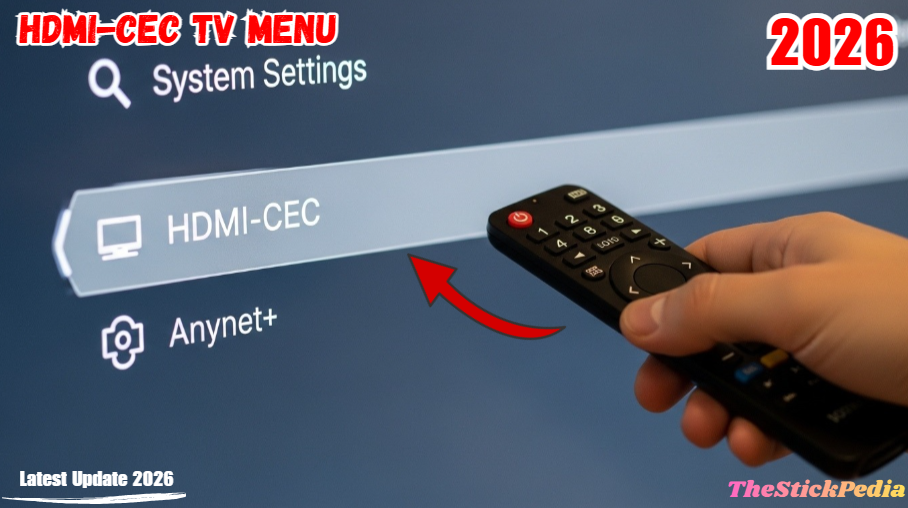
What if I told you that you probably already have a Firestick remote in your hand? Most modern TVs (Samsung, LG, Sony, Vizio) support a technology called HDMI-CEC. This allows your TV’s original remote to send commands to the Firestick through the HDMI cable.
How to activate it:
-
TV Settings: Use your standard TV remote (not the Firestick one) to go into your TV’s System or Settings menu.
-
Enable CEC: Look for a setting called HDMI-CEC, Anynet+ (Samsung), SimpLink (LG), or Bravia Sync (Sony). Turn it ON.
-
The Magic: Switch your TV input to the Firestick. Now, try using the arrow keys and the “Enter” button on your TV remote.
-
Pairing: If it works, use your TV remote to navigate the Firestick settings and pair your new Firestick remote.
Method 4: The “Two-Phone Hotspot” Trick (When WiFi is the Problem)
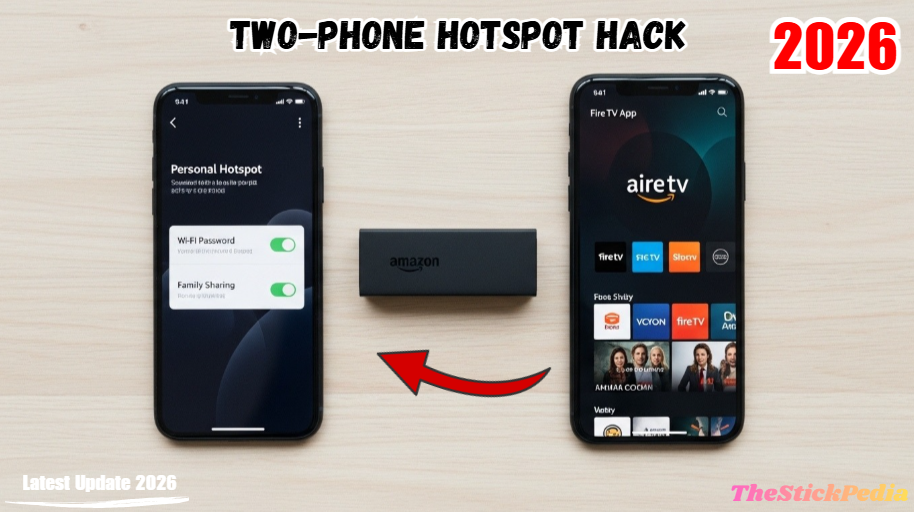
This is the most “Advanced” hack in this guide. Use this method if you have a new WiFi network and no remote to connect the Firestick to it.
This is the best way to pair firestick remote without the old one for free.
The Strategy:
-
Phone A (The Router): Create a mobile hotspot on Phone A. Change the Hotspot Name (SSID) and Password to match exactly what your OLD WiFi was.
-
Automatic Connection: Turn on your Firestick. It will recognize Phone A as its “old” home network and connect automatically.
-
Phone B (The Remote): Connect Phone B to the hotspot on Phone A.
-
Control: Open the Fire TV app on Phone B. It will now see the Firestick.
-
Update: Use the app to go to settings and connect the Firestick to your NEW actual home WiFi.
Method 5: The OTG Hardware Solution (The “Fail-Proof” Way)
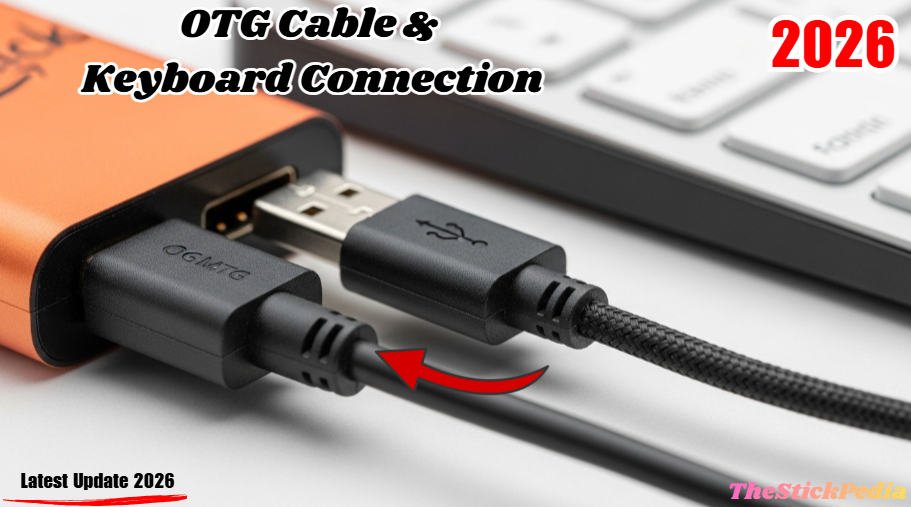
If you are a tech enthusiast, you might have heard of an OTG (On-The-Go) Cable. This is a small adapter that lets you plug a USB device into your Firestick’s power port.
How to use it:
-
Plug an OTG Cable into your Firestick.
-
Plug your power cable into the OTG cable.
-
Plug a standard USB Wired Keyboard into the OTG cable’s USB port.
-
Control: The Firestick will instantly recognize the keyboard. Use the Arrow Keys to move and Enter to select. You can now go to settings and pair your Bluetooth remote easily.
Using an OTG cable is the ultimate hardware solution for how to pair firestick remote without the old one.
Preventing Future Remote Issues
To ensure you never get locked out again, I highly recommend two things:
-
Enable HDMI-CEC: Keep this setting “On” in your Firestick settings at all times.
-
Link to Alexa: Use the Alexa app on your phone to link your Firestick. This allows you to say, “Alexa, find my remote,” or “Alexa, play Netflix,” even if the remote is gone.
Frequently Asked Questions (FAQs)
Q: Can I use a universal remote with a Firestick?
A: Only if it is a Bluetooth-enabled universal remote. Standard IR remotes will not work unless your TV supports HDMI-CEC.
Q: How do I reset a Firestick remote that isn’t pairing?
A: Hold the Left, Menu, and Back buttons together for 12 seconds. Remove the batteries, restart your Firestick, and try pairing again.
Q: Does the Fire TV app cost money?
A: No, the official app by Amazon is 100% free on all app stores.
Now you know all the secret methods for how to pair firestick remote without the old one in 2026.
Conclusion: You Are Back in Control
Many users struggle with how to pair firestick remote without the old one, but this method works 100%. Losing a remote is a minor hiccup, not a reason to replace your entire setup. By using the Fire TV App or the HDMI-CEC trick, you can navigate your device and pair a new remote in under five minutes.
At The Stick Pedia, we believe in making technology accessible for everyone. If this guide helped you, please share it with your friends.
Internal Link: Is Jailbreaking a Firestick Illegal in 2026?
Internal Link: How to Install Kodi on Firestick 2026
Internal Link: How to Change Time on Firestick
Do you have any questions about how to Pair Firestick Remote Without the Old One (2026 Guide)? Leave your comment below or explore more technical content at Thestickpedia.com.